What is an optimal way to update style? Deleting layer with old style and uploading layer with new style break webmap connection to this layer. Saving/Uploading QML is very inconvenient
Hello Joseph,
you don’t need to delete and re-upload anything.
- Select the style you want to update in NextGIS Connect interface
- Select the layer in QGIS project with new style configured
- Go to its contextual menu → NextGIS Connect → Update layer style
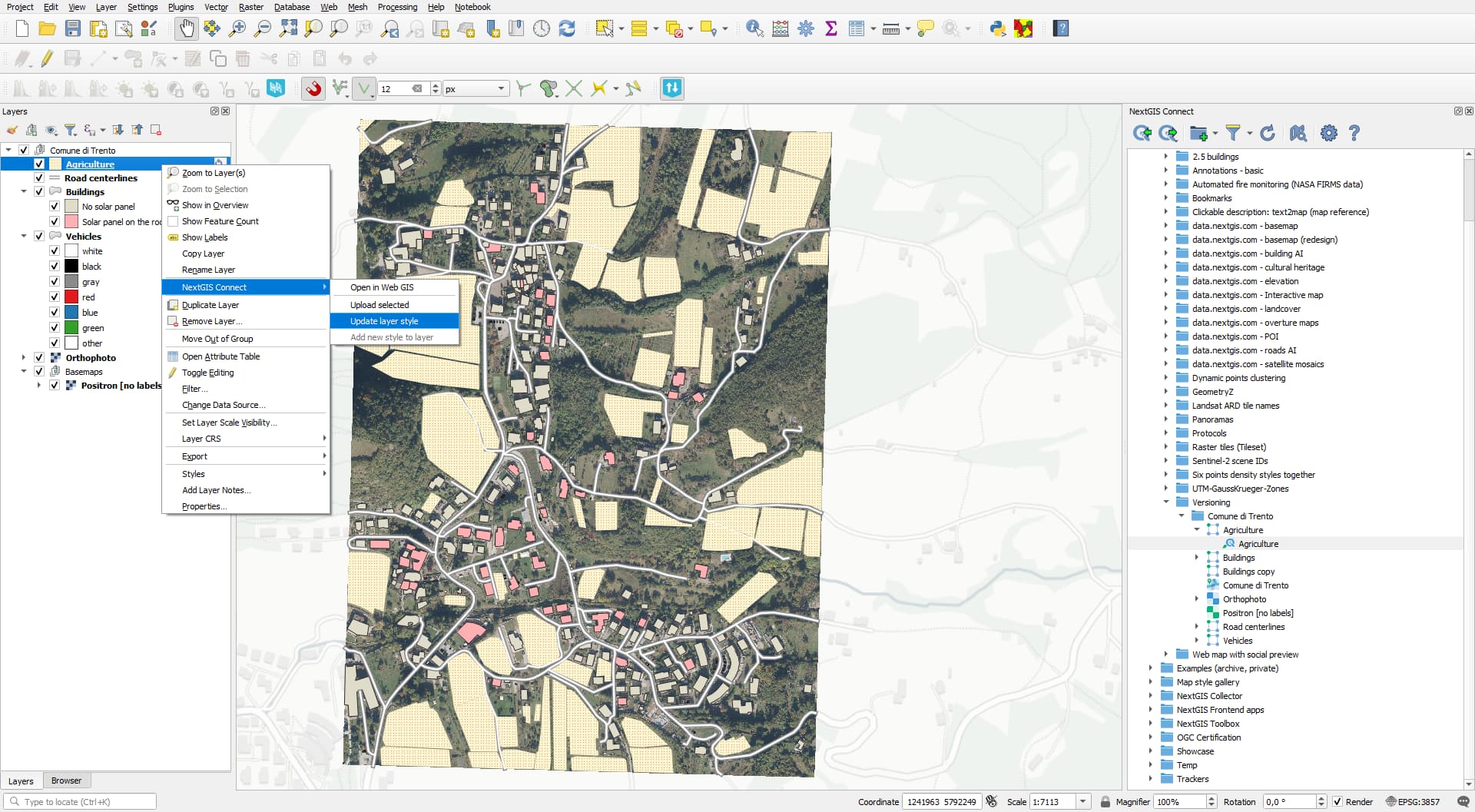
That’s it. Once you update the style, all web maps that include this layer will automatically use the updated styling.