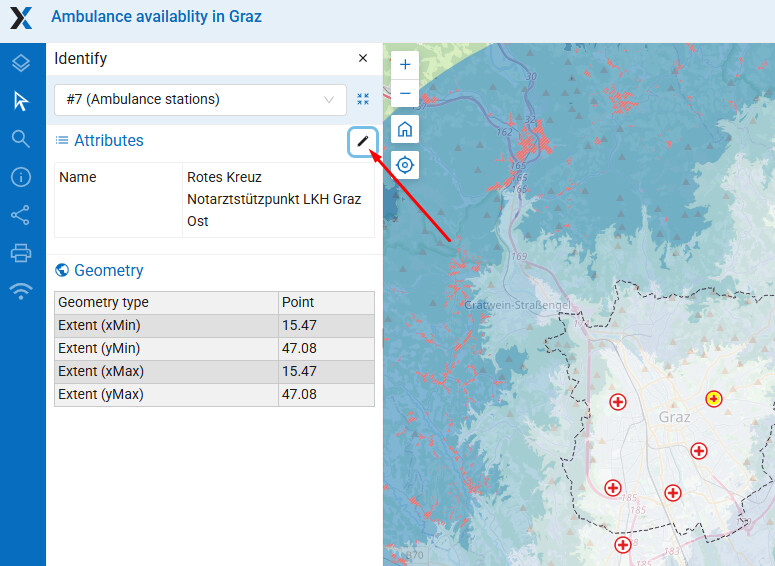
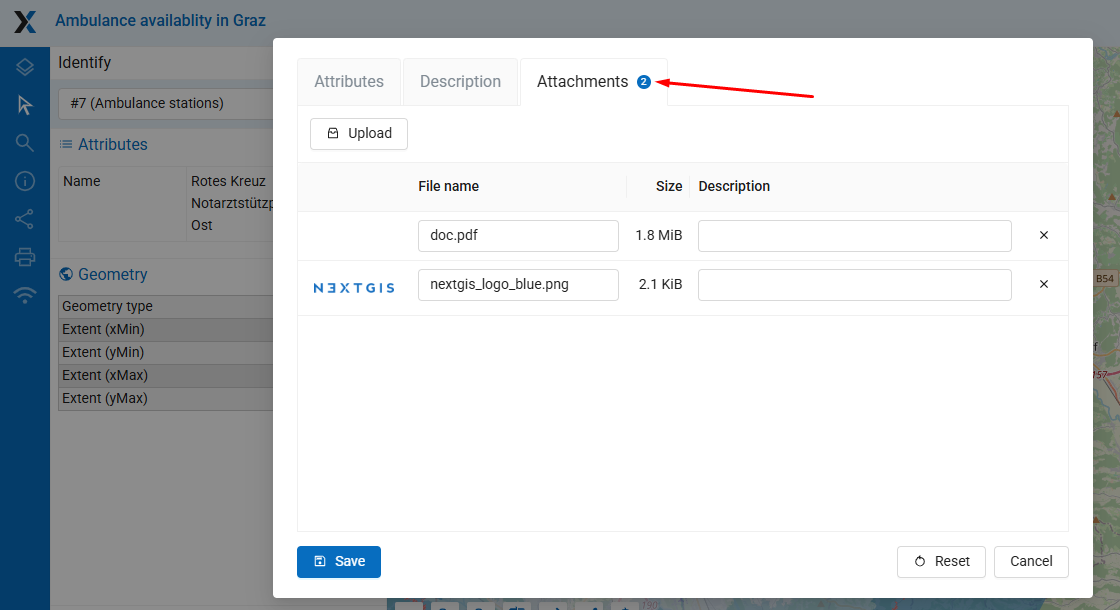
Hola, it’s said that I can add files like PDF documents or photos to vector layer features, but I can’t find a way to do it. I click on the feature at map, see it’s attributes and geometry properties, but now Attachments block. How to add documents?
Hola, it’s said that I can add files like PDF documents or photos to vector layer features, but I can’t find a way to do it. I click on the feature at map, see it’s attributes and geometry properties, but now Attachments block. How to add documents?